Scan a paper. It files itself.
Privacy and help
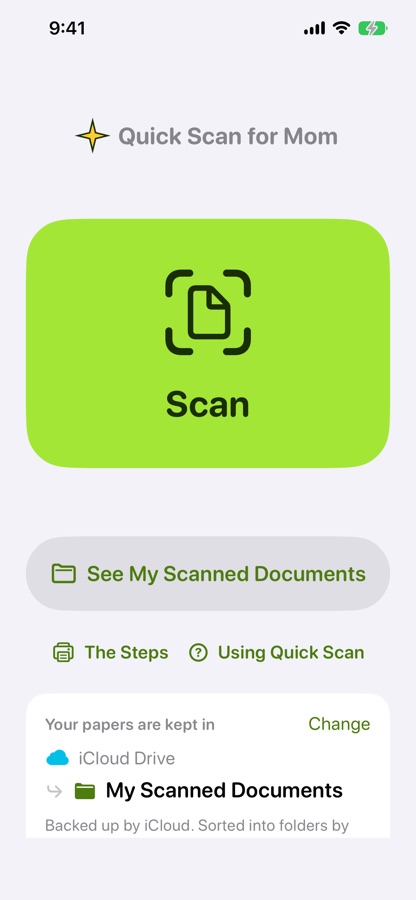
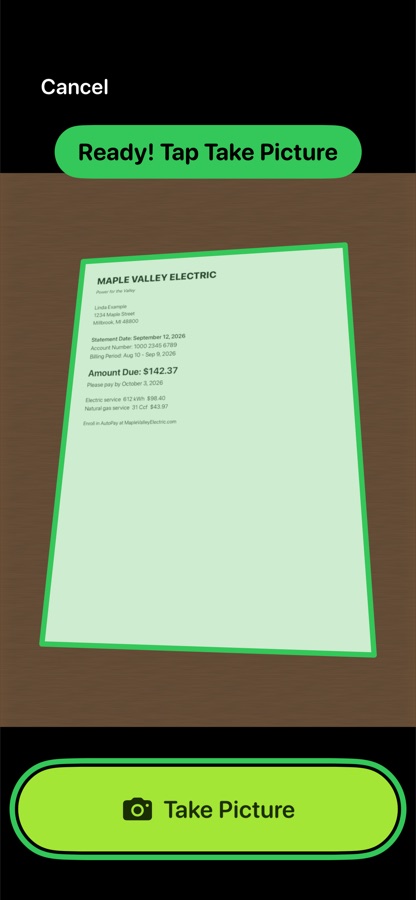
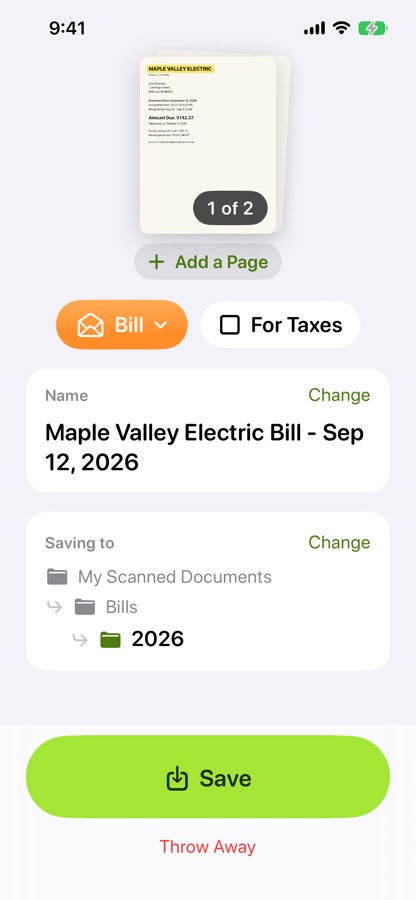
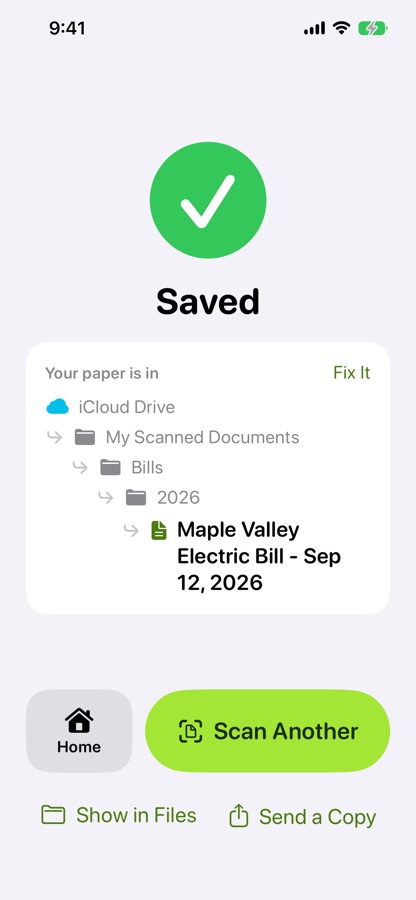
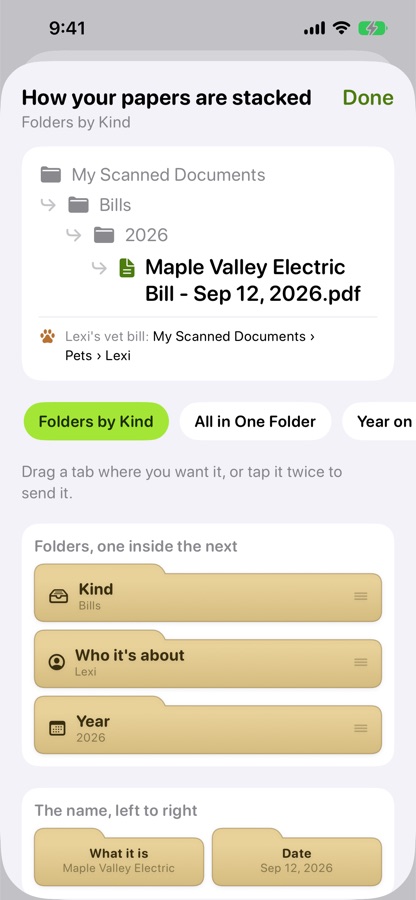
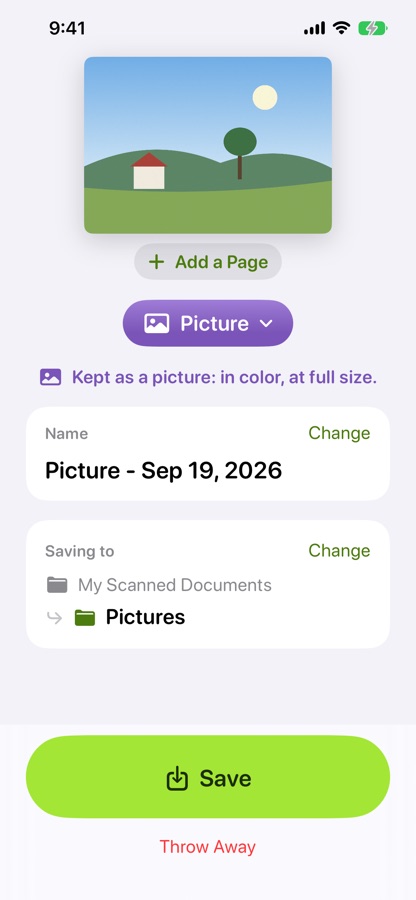
Quick Scan for Mom collects nothing. Your papers are read and named on your own iPhone or iPad, and saved in your own iCloud Drive. They never come to us.
Privacy
Last updated September 28, 2026
What we collect
Nothing. No account, no analytics, no advertising, no tracking. Quick Scan for Mom has nothing in it that sends information over the internet.
Where your papers go
Each paper is read and named right on your device. The file is saved to the folder you choose, normally a folder in your own iCloud Drive called My Scanned Documents, and nowhere else. They are ordinary PDF and photo files that you can open, move or share with any app.
What the app remembers
A short list of your settings: which folder you use, how you like papers arranged, any kinds of paper you added yourself, and any you hid. It is kept on your device and, if you use iCloud, in your own iCloud account, so your iPhone and iPad match. None of it is a paper or anything written on one.
The camera
Used only while you are scanning, and only to take pictures of your papers.
If you delete the app
Your papers stay exactly where they are, in iCloud Drive.
Help
Where are my papers?
Open the Files app, tap iCloud Drive, then My Scanned Documents. Inside it is a folder with the same name, and your papers are sorted into folders in there: Bills, Medical, Taxes and the rest. In the app, See My Scanned Documents on the home screen takes you straight there.
Something was named or filed wrong
Right after saving, tap Fix It and the paper comes straight back to change. Later on, you can rename or move it in the Files app like any other file.
I want my papers in a different folder
On the home screen, tap Change next to where your papers are kept, then Change beside the folder, and pick the one you want. Papers you have already saved stay where they are.
Using it on an iPad too
Sign in to the same iCloud account and open Quick Scan for Mom. Your folder and settings are already there, with nothing to set up again.
A printed guide to keep by the phone
On the home screen, tap The Steps, then Print the Steps. Two pages: one for setting up, one for every day.
Do I need Apple Intelligence?
No. Quick Scan for Mom names papers on any iPhone or iPad with iOS 18 or later. On models with Apple Intelligence, it uses that too.
Still stuck?
Write to us and we will help.
Email Ussupport@lintbox.app